









































































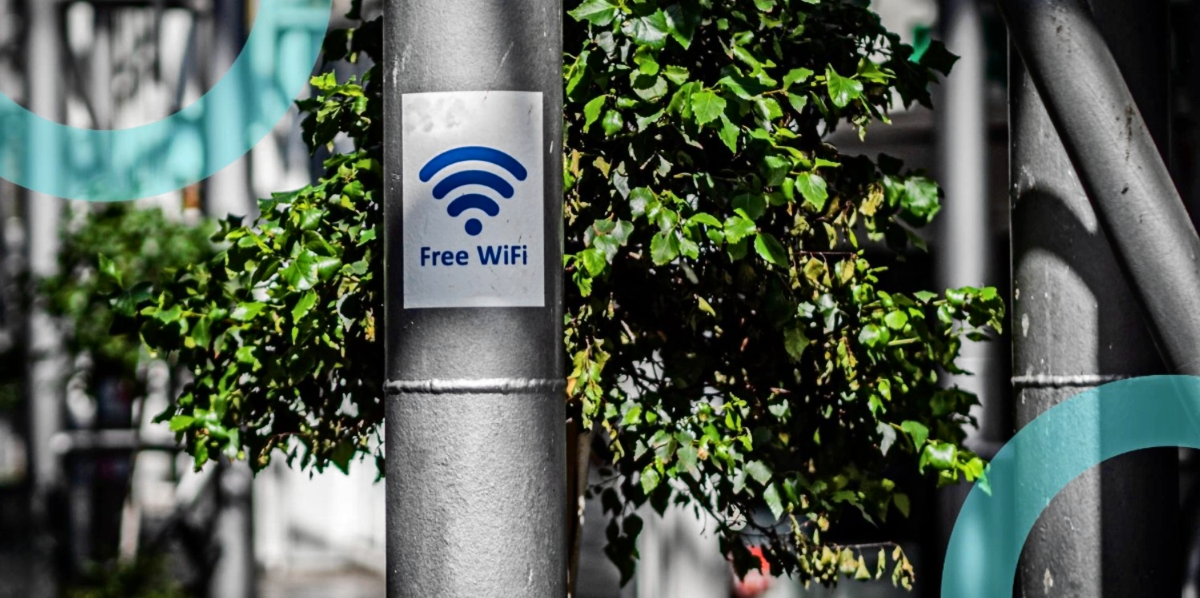
Public Wi-Fi is one of those modern conveniences that feels harmless until it is not. Airports, cafés, hotels, coworking spaces, even stadiums, everyone wants quick access without burning mobile data. The catch is that public networks are often poorly secured, shared by strangers and easy to spoof. If you use your phone for anything involving accounts, payments or personal info, your risk is higher the moment you join the wrong network.
That includes casual gaming. If you play casino-style games on your phone, using mobile pokies on public Wi-Fi is a situation where a few simple safety habits can make a real difference, especially when logins, deposits or withdrawals are part of the flow.
Why public Wi-Fi is risky even when it looks legit
Most people assume the danger is hackers sitting nearby doing something dramatic. The reality is usually quieter. Public Wi-Fi risks come from weak setup, bad defaults and how easy it is to trick devices into trusting the wrong thing.
Common problems include:
- Fake hotspot names that look like the venue network but are run by someone else
- Unencrypted traffic on networks that do not properly secure connections
- Man-in-the-middle attacks where traffic is intercepted or altered in transit
- Device-to-device exposure on shared networks if isolation settings are poor
- Saved network auto-join that reconnects you later without you noticing
A simple checklist before you connect
You do not need to be a security expert. You just need a repeatable routine that stops the most common mistakes.

Before you join any public Wi-Fi:
- Confirm the network name with staff. Ask what the exact SSID is. Do not guess.
- Turn off auto-join for public networks. Auto-join is convenient but it makes it easier to connect to a lookalike network later.
- Avoid networks that require weird steps. If the login portal asks for excessive permissions or personal details, back out.
- Update your phone before you travel. Security updates matter most when you are on unfamiliar networks.
- Use strong screen lock and biometrics. If your phone is lost or borrowed, your accounts should not be one swipe away.
Safer alternatives to public Wi-Fi for real sessions
If you plan to play games, check balances or handle payments, consider these options first.
A useful rule is to separate activities. Browse on public Wi-Fi if you must. Handle logins, deposits and withdrawals on a safer connection.
- Mobile hotspot. Using your own data connection is often the simplest upgrade in safety.
- Trusted Wi-Fi only. Home networks or known private networks are safer because you control access and settings.
- VPN where appropriate. A reputable VPN can reduce exposure on public Wi-Fi by encrypting traffic between your device and the VPN server.
- Delay sensitive actions. If you are on public Wi-Fi and you can wait, do so. Play in demo mode, browse game info or save the session for later.
Device settings that quietly protect you
Most security wins on mobile come from settings you set once, then forget.
These are worth checking on iOS and Android:
- Disable file sharing or nearby sharing when you are traveling
- Disable Bluetooth when you do not need it
- Turn off Wi-Fi scanning and location-based Wi-Fi suggestions if your phone supports it
- Use private address or MAC randomization to reduce tracking across networks
- Enable app store protections and do not sideload apps while traveling
Safer habits for casino-style apps on the go
Casino-style apps have extra sensitivity because they touch payments and identity. That does not mean they are unsafe by default. It means you should treat them like banking apps, not like a casual puzzle game.
Here is a practical routine for travelers and remote workers.
- Before you log in: make sure you are on the correct network, ideally mobile data. Close unused tabs and apps. Check your password manager is working.
- While you play: avoid switching between multiple accounts or emails on public Wi-Fi. Do not save card details unless you genuinely need to. Watch for unusual popups, redirects or forced re-logins.
- For deposits and withdrawals: use payment methods with strong authentication where possible. Turn on transaction alerts so you see activity instantly. If an app pushes you to re-enter details repeatedly, stop and reassess.
- After your session: log out if you are on a shared device. Clear the app cache if the device is used by others. Review your wallet or bank record later to confirm everything matches.
Spotting a sketchy network in under 10 seconds
When you are tired and in a hurry, you need quick checks that work.
Use these fast signals:
- The Wi-Fi name is close to the venue name but slightly misspelled
- The network asks you to install something to connect
- The captive portal looks low quality or loads from a strange address
- The connection drops repeatedly and asks you to re-authenticate
- Your phone warns you the network has weak security
The goal is boring security
The best security setup is the one that fades into the background. You want habits that make public Wi-Fi a low-stakes tool, not a gamble.
If you are going to game on the go, keep sensitive steps off public networks, lock down your device settings and treat casino-style apps like financial apps. You will spend less time worrying about what could go wrong and more time enjoying your break, wherever you happen to be.